
Portfolio rebuild
I rebuilt my portfolio from scratch using AI as my development partner. Here's how a product designer shipped production code in 4 weeks.
Role
Design + Direction
Duration
4 weeks
AI Partner
Claude Code
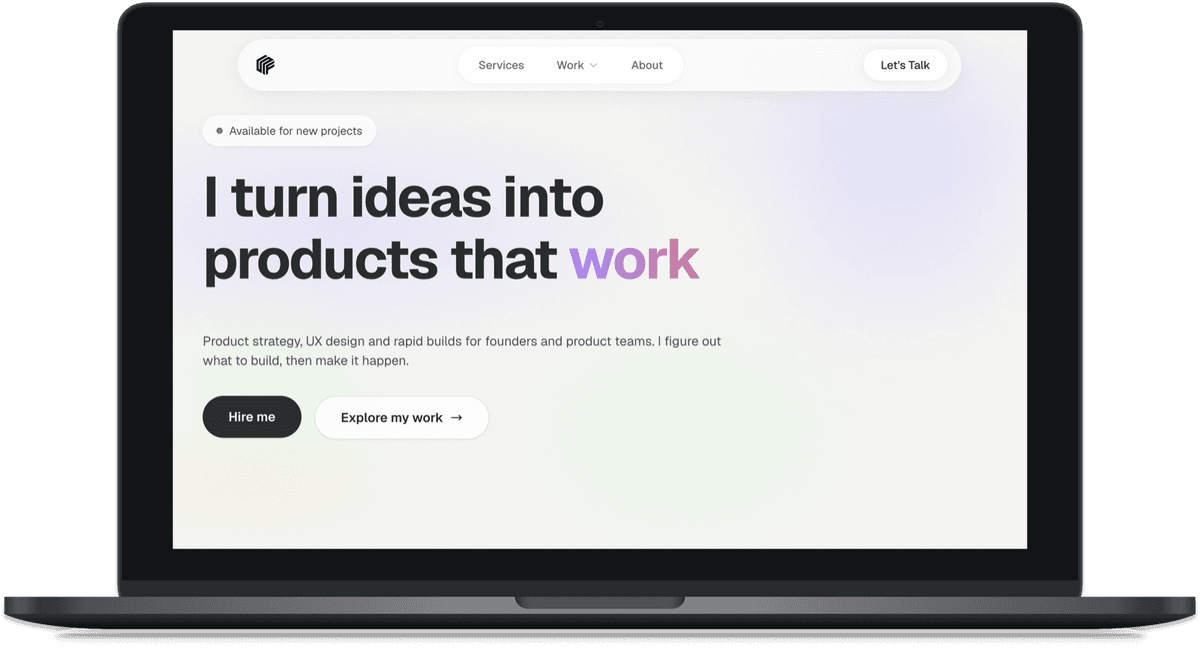
Why I rebuilt from scratch
My old portfolio was built in Squarespace. It served me well, but I'd hit the ceiling. Limited customisation, no reusable components, and every design tweak meant wrestling with template constraints. Time for a rebuild.
I could have designed in Figma and hired a developer. Or spent weeks learning to code it myself. Instead, I tried something different: I used AI as my development partner.
The goal wasn't just to ship a new portfolio. I wanted to prove that a product designer can build production-quality code with AI, while staying focused on what actually matters: the design.
The transformation
Before
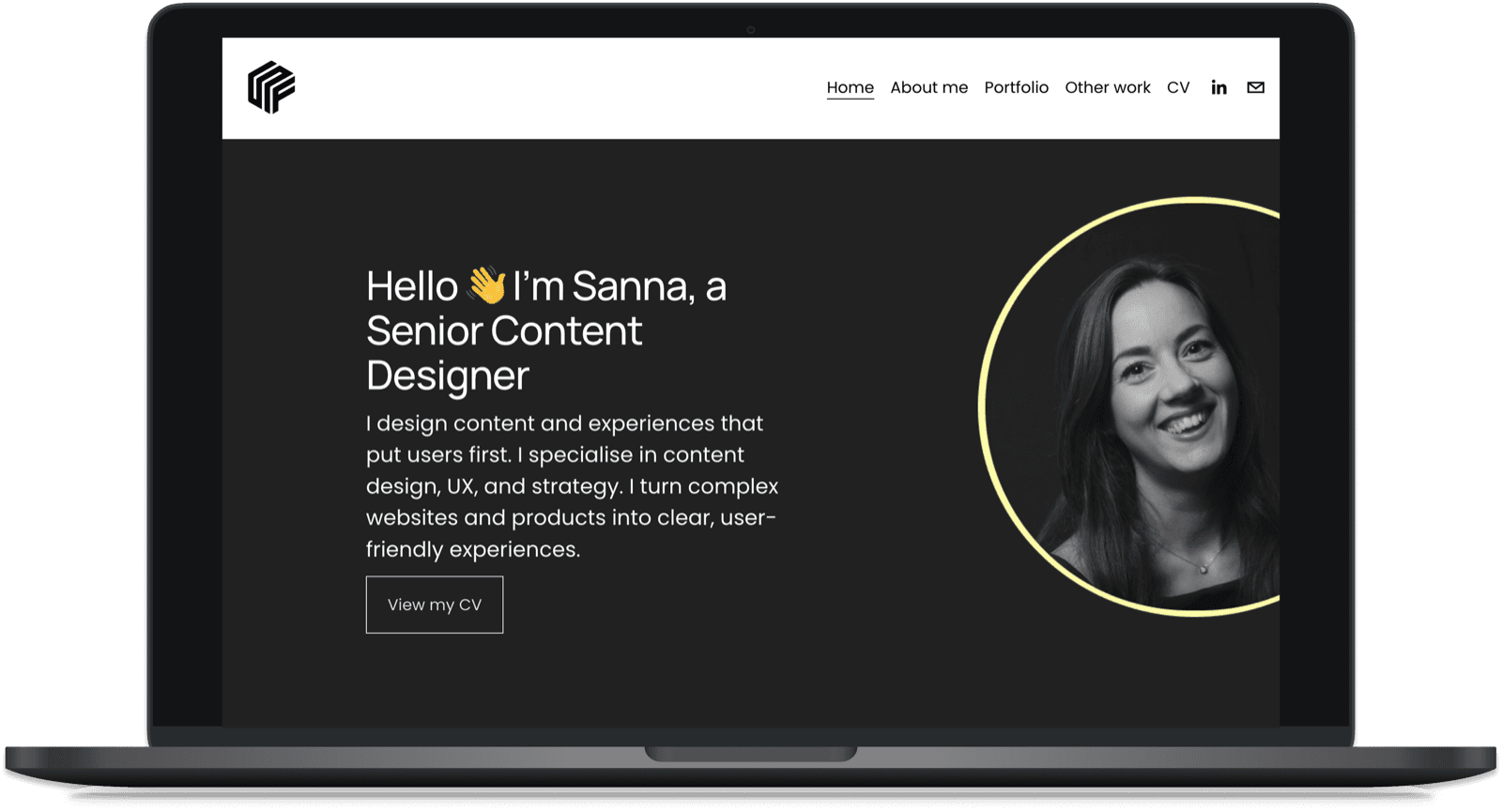
Squarespace template with limited customisation
After
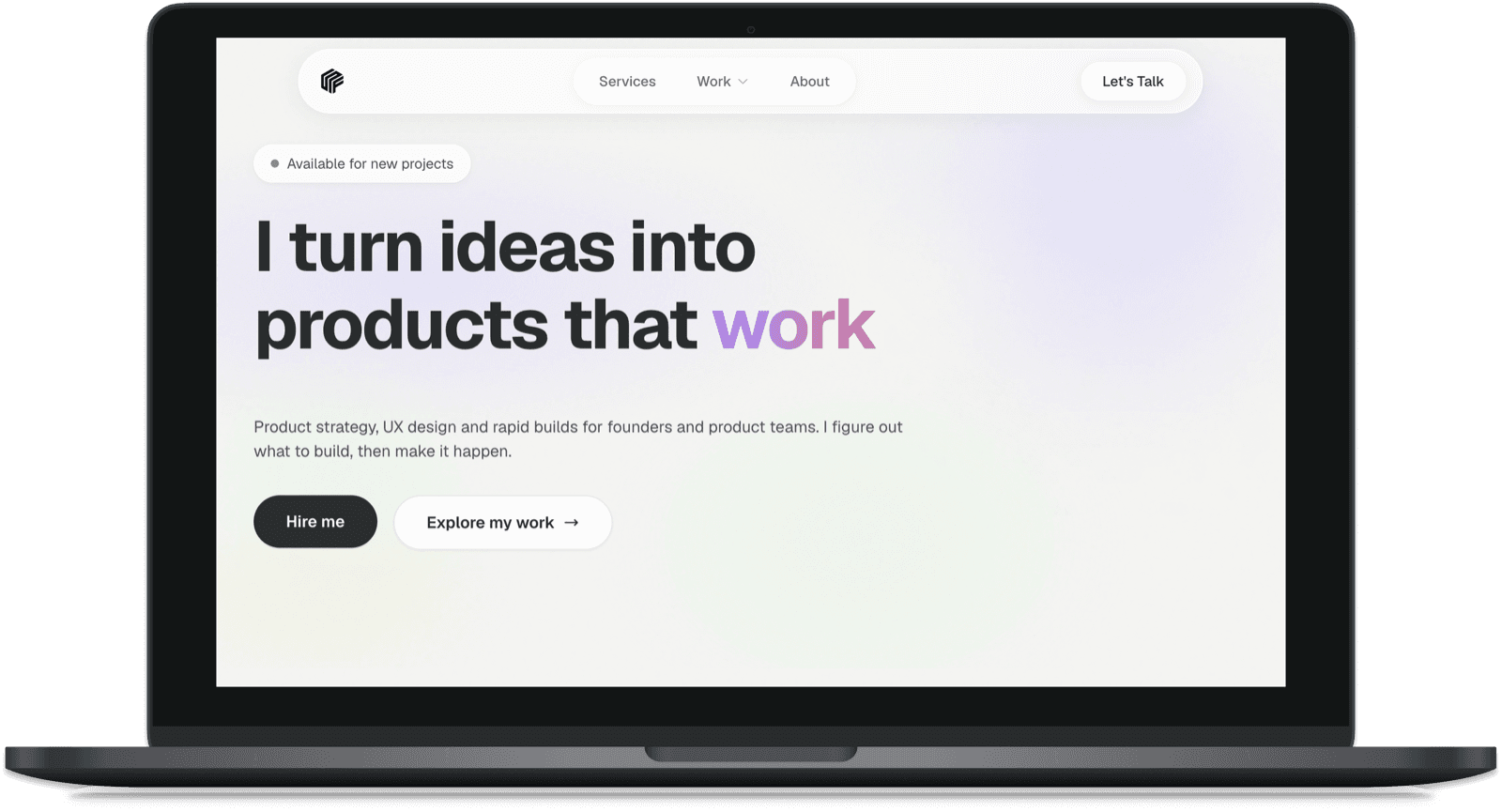
Custom Next.js build with full design control
Working with AI, not for it
I used Claude Code as my development partner. Not a tool that wrote code for me, but a collaborator that helped me think through problems and ship fast.
Strategic planning
Site structure and content hierarchy before writing code
Component architecture
Reusable components that scaled across the site
Rapid iteration
Trying ideas in minutes instead of days
Code implementation
Design direction turned into TypeScript and React
How it came together
Four weeks from blank canvas to live site. Here are the key phases that shaped the project.
Discovery
Before writing any code, I needed to understand the landscape. What are other portfolios doing? What makes mine different?
- →Research - Analysed portfolio trends and best practices
- →Positioning - Defined what makes my work stand out
- →Structure - Mapped out site architecture and content
- →Tools - Chose the right stack for AI collaboration
Design system
Instead of jumping into page designs, I built a foundation first. I designed key components in Figma, then used Figma MCP to bring them into code.
- →Typography - Set up type scale and font choices
- →Colours - Created a cohesive colour palette
- →Figma to code - Designed components, then bridged via MCP
- →Motion - Defined animation patterns
Build and iterate
With the foundation in place, building pages was fast. Claude turned my direction into working code, and we iterated until it felt right.
- →Pages - Built all page templates and layouts
- →Case studies - Created flexible content structures
- →CMS - Integrated Sanity for content management
- →Performance - Optimised for speed and accessibility
Launch and maintain
Everything built with purpose. A codebase I can maintain, extend, and update myself without starting from scratch.
- →GitHub - Version control for tracking every change
- →Vercel - Push to main and it's live in seconds
- →Components - Reusable building blocks for future updates
- →No lock-in - I own the code, not a platform
What I built with
Tools that are fast to work with and play nicely with AI.
Next.js 14
App Router with file-based routing
TypeScript
Typed components for reliable code
Tailwind CSS
Custom design tokens and utilities
Sanity CMS
Structured content for case studies
Claude Code
AI pair programming partner
Figma MCP
Design to code bridge
Cursor
AI-powered code editor
Vercel
Instant deployments and previews
Built for quality, not just speed
AI makes it easy to ship fast. But shipping well means thinking beyond the visible. Here's what's built into every page.
SEO foundations
- •Structured data (JSON-LD) for rich search results
- •Dynamic sitemap with priority levels
- •Open Graph and Twitter cards on every page
- •Semantic HTML with proper heading hierarchy
Accessibility first
- •Full keyboard navigation with visible focus states
- •ARIA labels on all interactive elements
- •Respects prefers-reduced-motion
- •Skip-to-content link and screen reader support
Performance optimised
- •Next.js Image component for automatic optimisation
- •Smart server/client component boundaries
- •Optimised font loading with system fallbacks
- •Lazy loading for below-fold content
Lighthouse scores
Accessibility
Best Practices
SEO
Performance*
*Production environment with Vercel CDN and image optimization
The invisible work matters. Good UX isn't just what users see. It's fast load times, working keyboard navigation, and content that search engines understand. This is where product thinking meets technical craft.
Results
The site launched on time and under budget (my time). More importantly, I can now update and extend it myself.
4
Weeks to launch
From blank canvas to live site
50+
Components built
Reusable design system
Iterations
Trying ideas fast
"AI didn't replace my design thinking. It just meant I could try more ideas, faster. I focused on the what and why. Claude handled the how."
Sanna Forbes
Product Designer, (Yes, quoting myself)
What I learned
AI amplifies, it doesn't replace
The best work happened when I treated AI as a collaborator, not autopilot. I brought the vision. Claude brought the technical chops.
Speed changes how you design
When you can try something in minutes instead of days, you try more things. More experiments means better outcomes.
New skills are emerging
Knowing how to give clear direction and evaluate output matters as much as traditional design skills now.
Want to work this way?
I bring this same approach to client projects. Faster iteration, better outcomes.